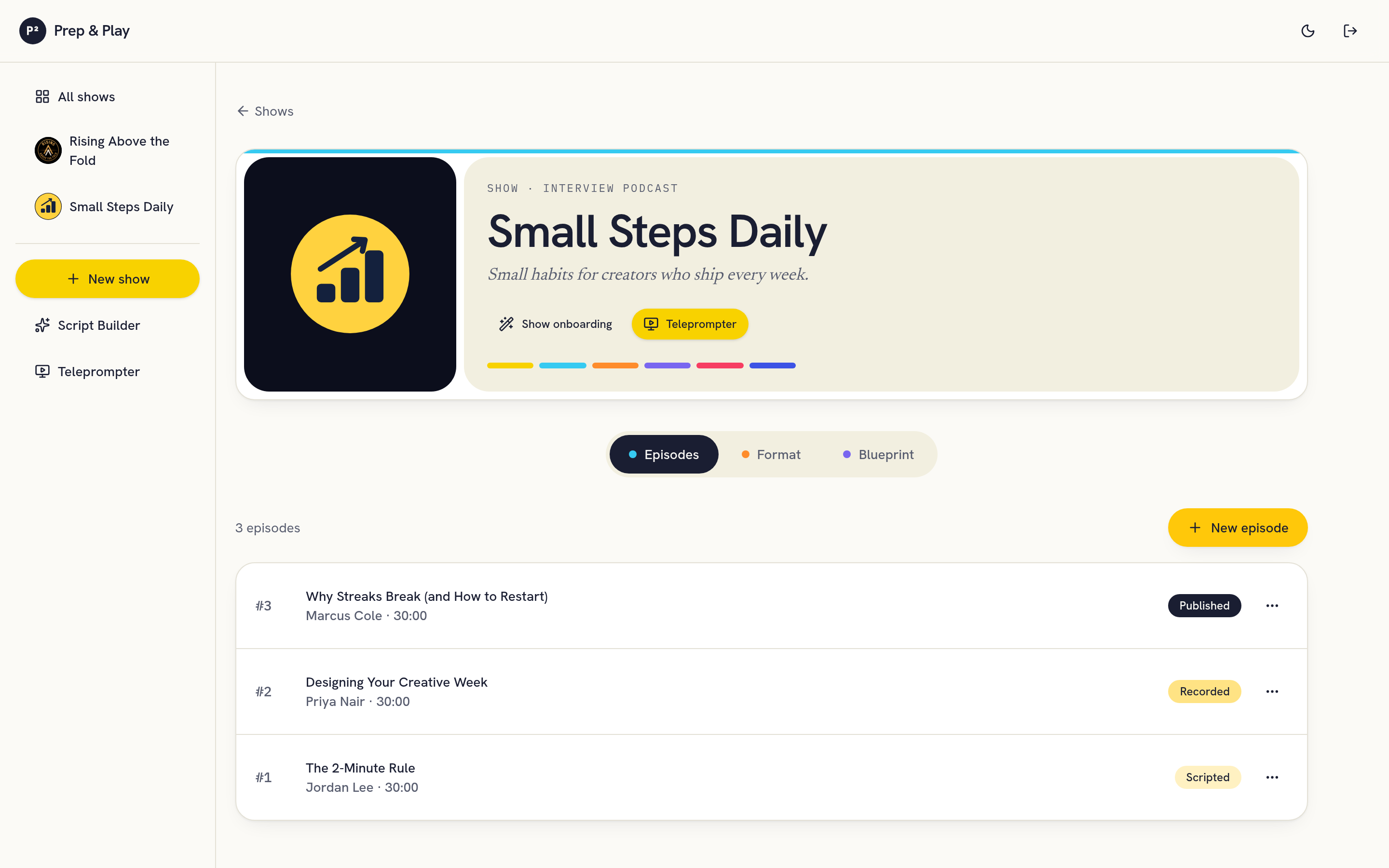
For show hosts
Interview shows and series. Set up your format once, with segments, a question bank and episodes that build on each other.
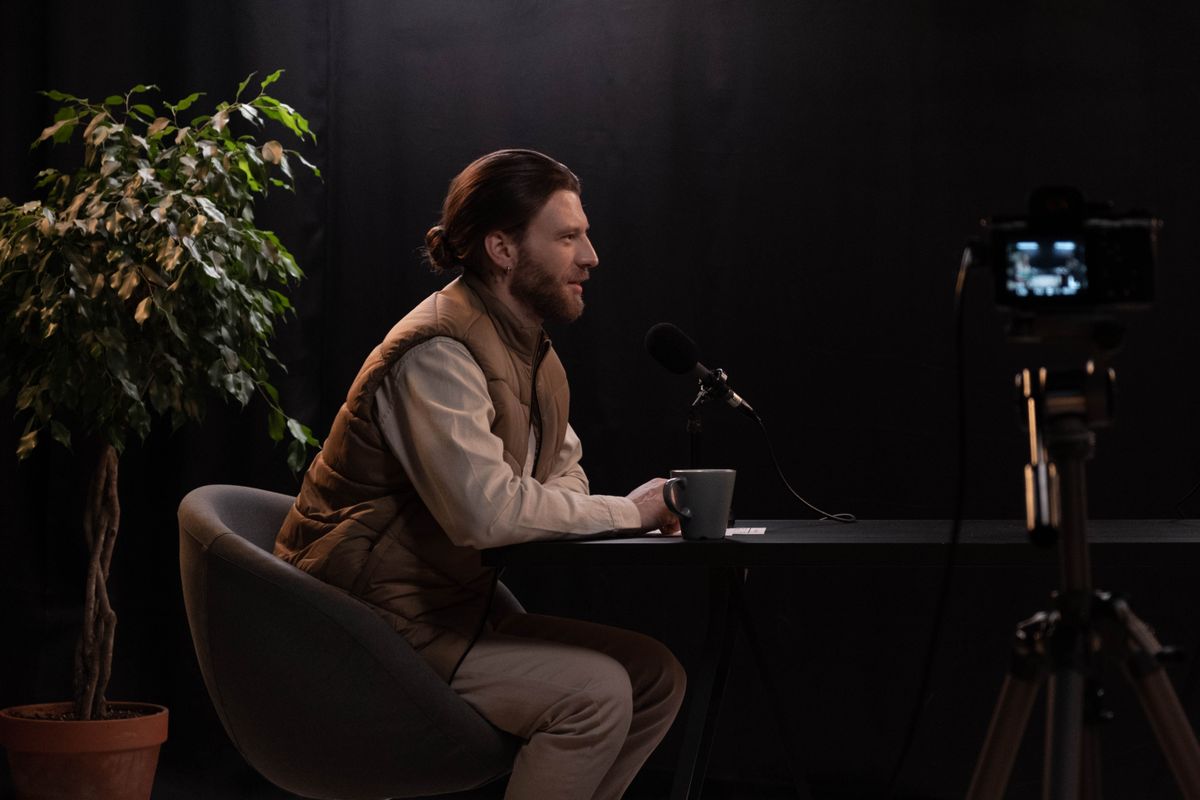
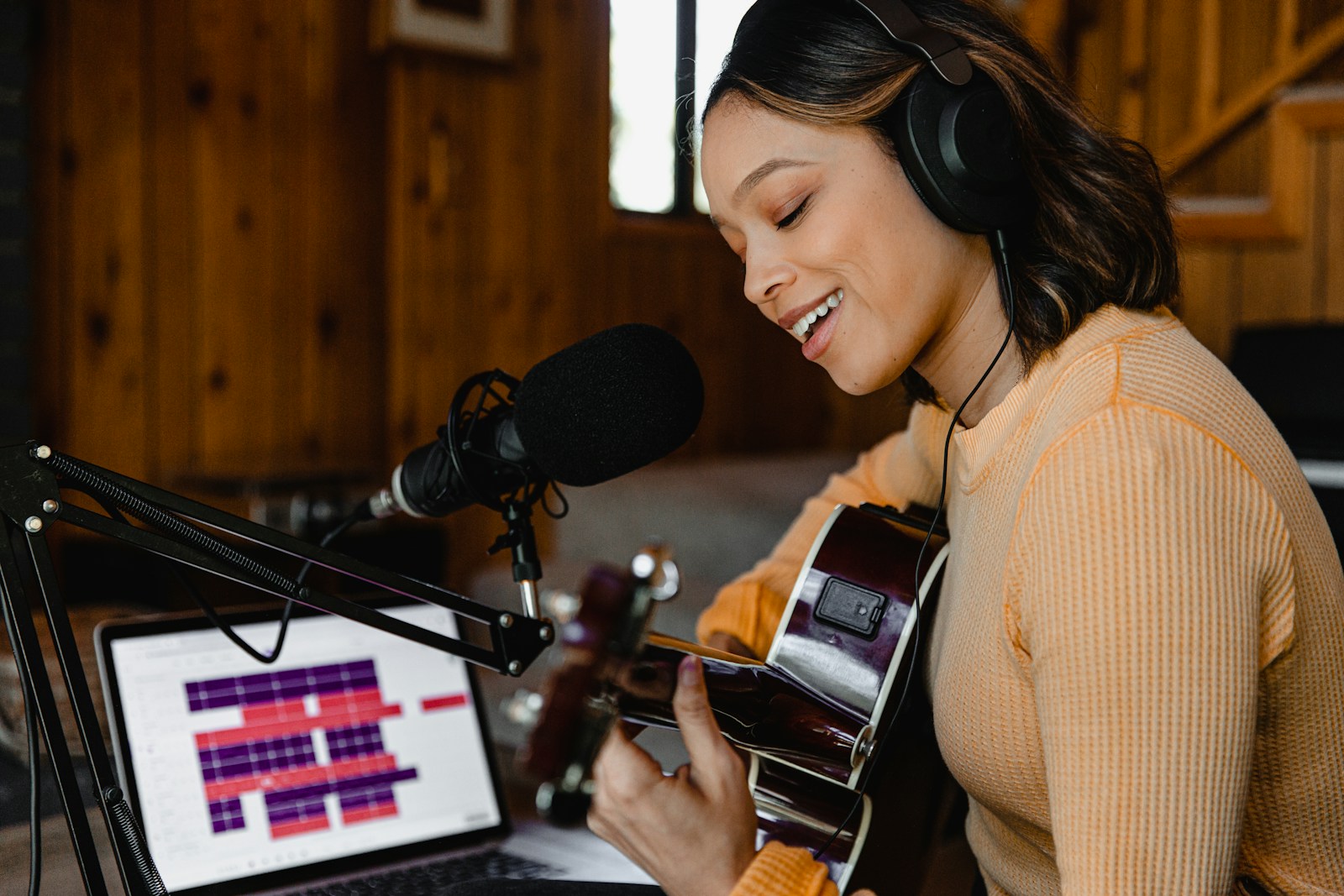
For hosts and creators who make video and audio
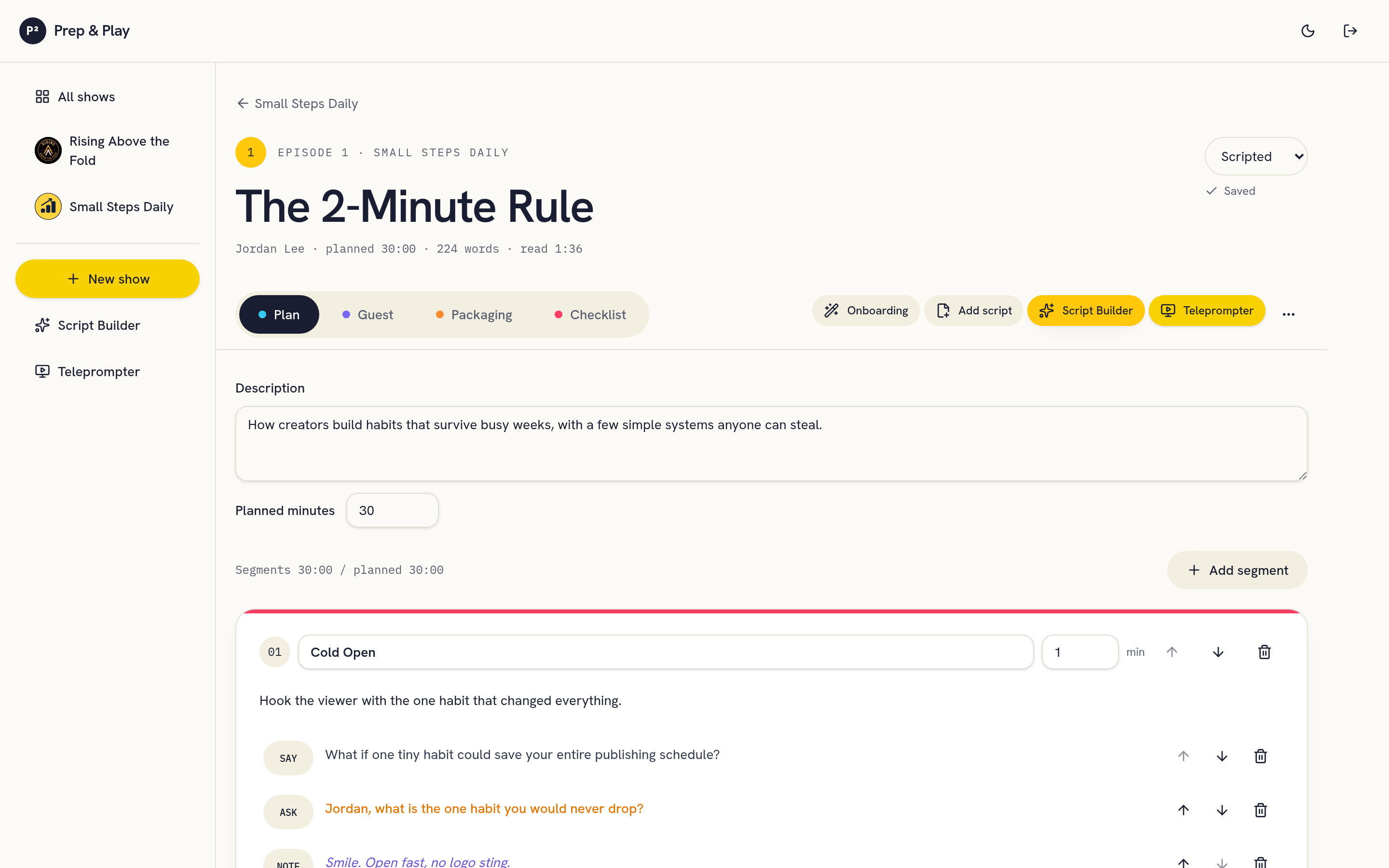
Plan the episode, draft the script with AI, and read it on camera, all in one quiet workspace.
Drafts only. You stay in control.
Two steps: Prep, then Play.
A blueprint with your segments, voice and rules.
The Script Builder drafts the guest brief, questions, script and packaging. Nothing changes until you press Apply.
Type it, paste it, or upload a document. It lands in the right segments, ready for the prompter.
Teleprompter
A full-screen prompter highlights the current line and pauses for the guest. Adjust the speed, text size and typeface, mirror the text, and watch the recording clock. Draft on your desktop, record from your iPad. Everything you write saves to your account and is there on every device.
Computer, laptop, tablet, and phone.
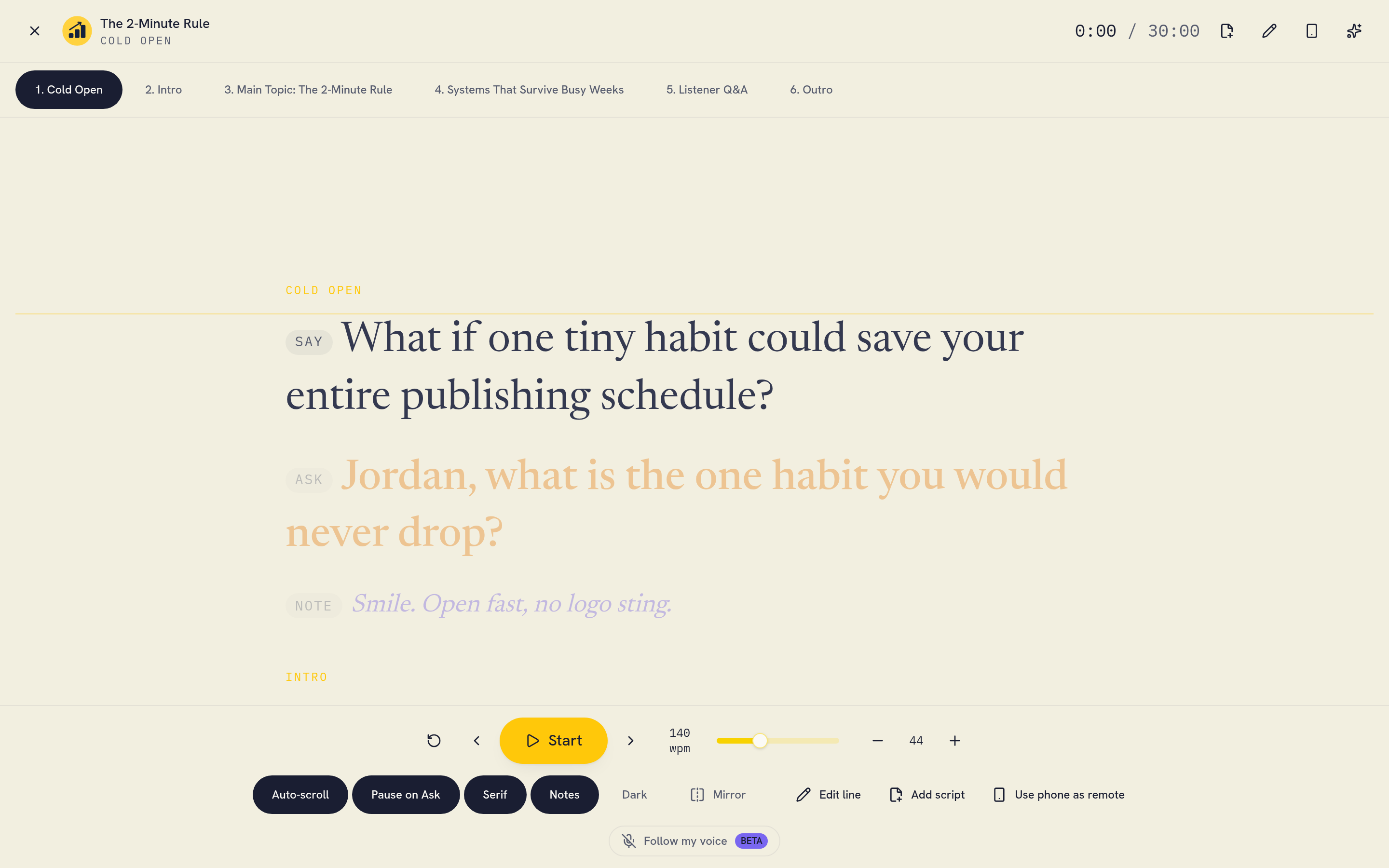
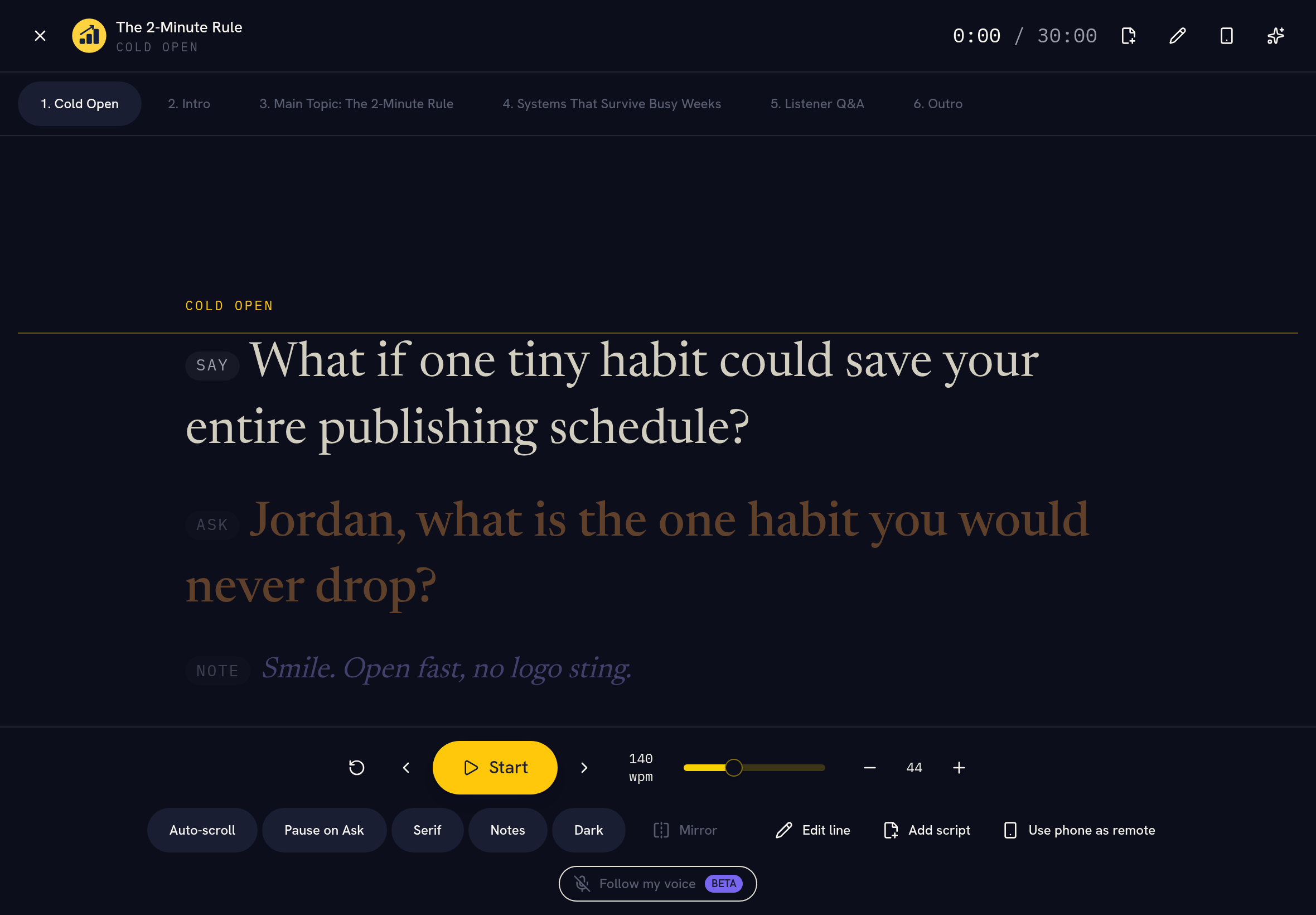
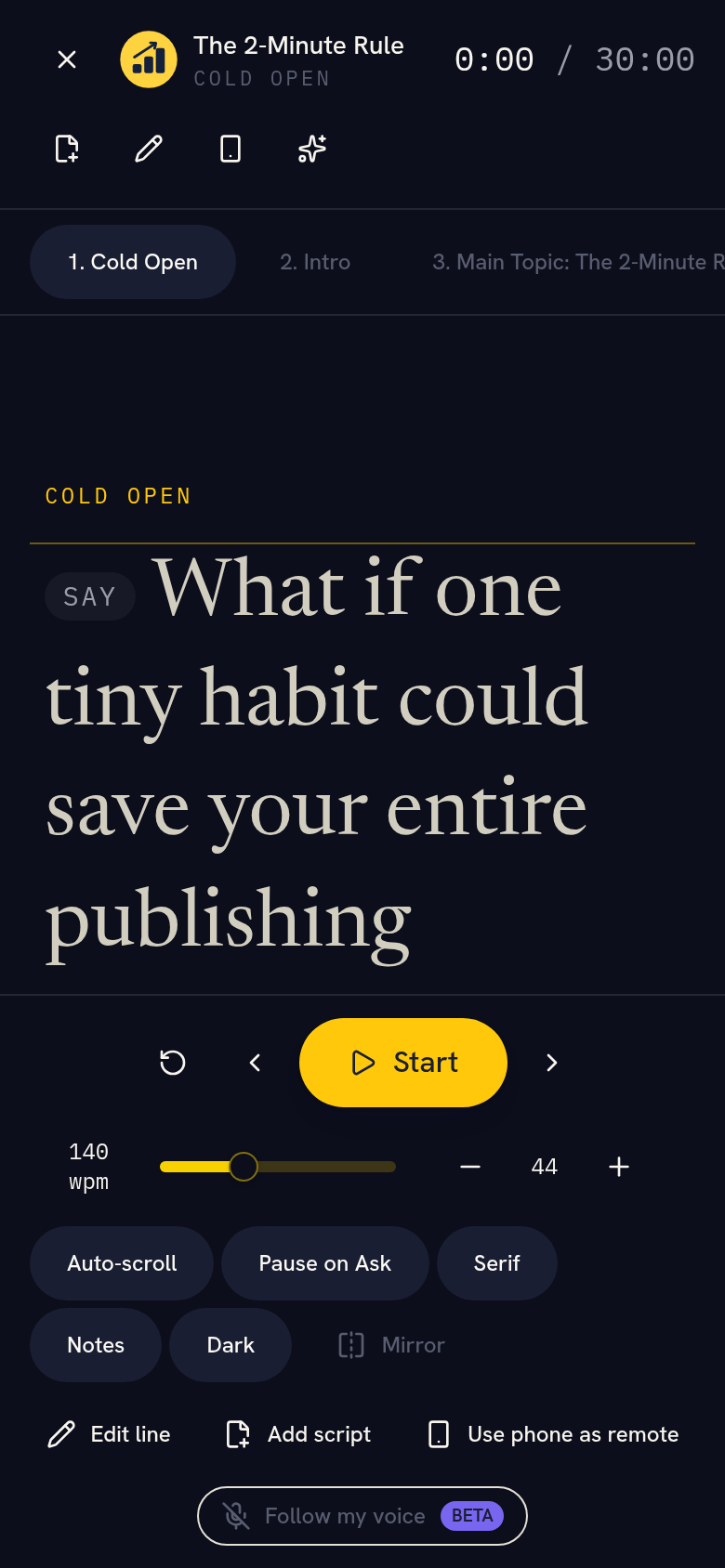
Interview shows and series. Set up your format once, with segments, a question bank and episodes that build on each other.
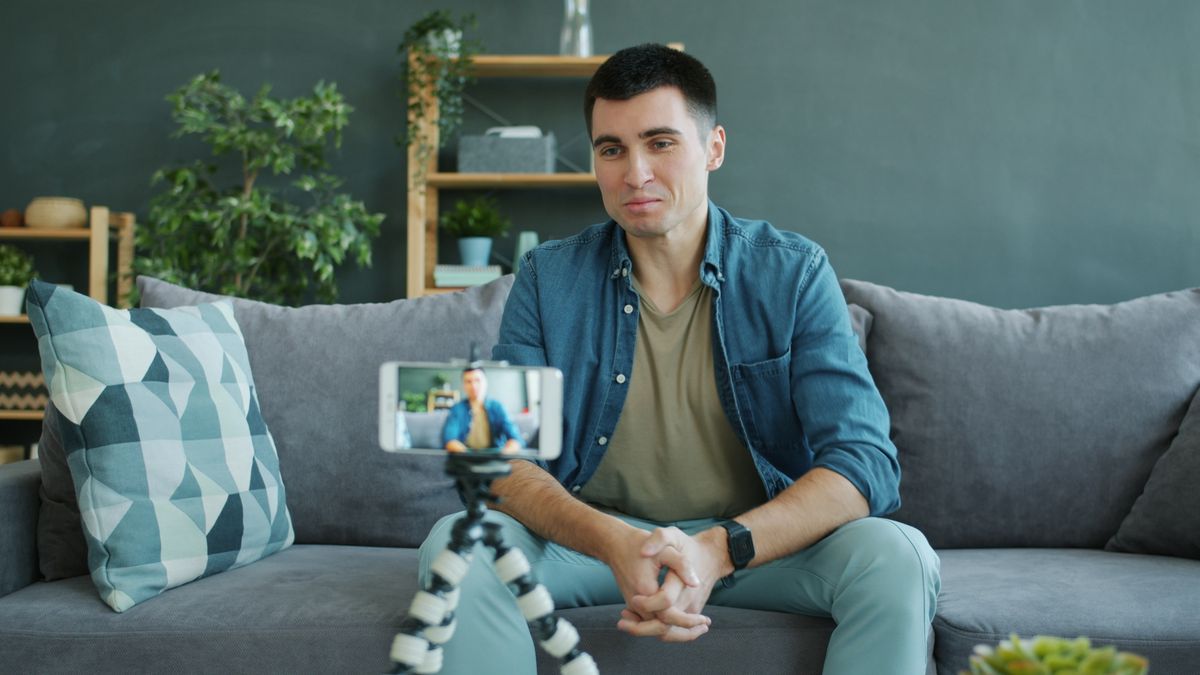
Reels, TikToks, YouTube videos, or anything in between. Write the script, or paste yours, and read it straight from the prompter. Short or long, no limits.
Built first for Rising Above the Fold.